
FreeBeginner
Getting Started with AI
8 sessions · self-paced
Eight sessions on how language models really behave: tokens and sampling, cost and latency, prompts and context, structured output, choosing a provider, and using AI responsibly.
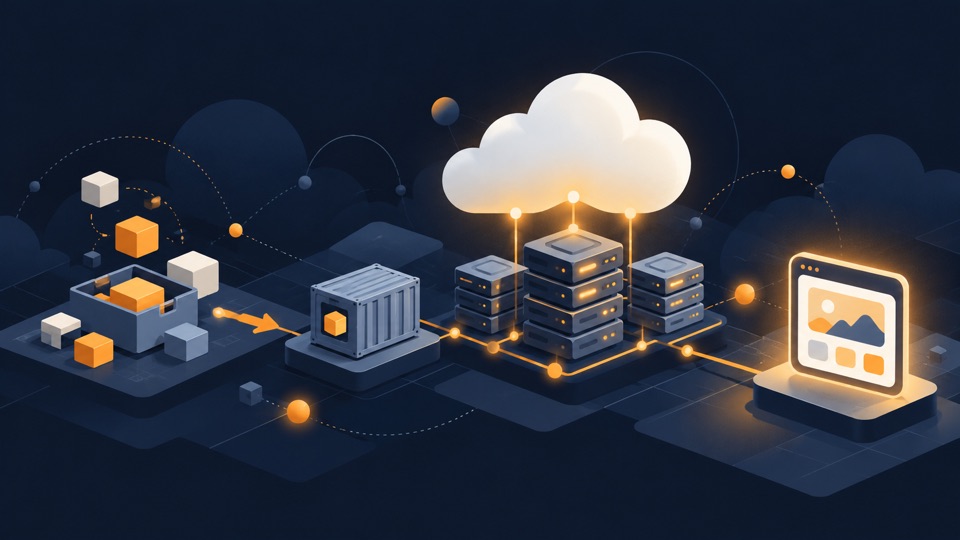
Eight hands-on sessions on AWS for freshers: a safe account, permissions, storage, servers, networks, a database and serverless code, ending in a small app you deploy and then tear down.
Read every session in order. Each one ends with a project you build in your own AWS account and then delete, and a quiz to check yourself.
Create an account on the Free account plan, understand credits and the six-month window, lock down the root user with MFA, create an everyday admin identity, and set a budget alert before building anything.
Users, groups, roles and policies; read a policy document, write a least-privilege one, and install and sign in to the AWS CLI with short-lived credentials.
Create a bucket, upload objects, understand Block Public Access, and publish a static site; then empty and delete the bucket.
Launch an instance, choose an image and type, connect with EC2 Instance Connect, serve a web page through a security group rule, then stop and terminate it.
Build a VPC with a public subnet, route table and internet gateway; reason about security groups versus network ACLs; launch into it and tear it down in the right order.
Design a simple table, write and read items from the console and the CLI, and grant an application role access to only that table.
Write a Lambda function, give it a function URL, read its logs in CloudWatch, and connect it to the DynamoDB table with an execution role.
Deploy a small web app end to end from the earlier pieces, watch it with CloudWatch metrics and alarms, then remove every resource and confirm on the billing pages that nothing is left running.
8 sessions · self-paced
Eight sessions on how language models really behave: tokens and sampling, cost and latency, prompts and context, structured output, choosing a provider, and using AI responsibly.
Leave your details and we will tell you when new courses and downloads are ready.
Get course updatesTechEazy Consulting training material — not affiliated with or endorsed by Amazon Web Services (AWS).